Your brain is for thinking, not storing. Yet in college, we try to keep hundreds of concepts, sources, and connections in our heads – and regularly fail. The result is familiar to everyone: overwhelm before exams, forgotten ideas that never get implemented, and the nagging feeling of never truly having an overview. The information flood of modern education simply overwhelms our biological memory.
What if you had a second brain? A digital system that never forgets, connects everything together, and delivers exactly the right information when you need it? That's exactly what a Second Brain is – and in this article, I'll show you how to build one for your studies and which methods and tools work best.
What is a Second Brain?
The term "Second Brain" was coined by Tiago Forte, an American productivity expert who popularized the concept in his 2022 book "Building a Second Brain." The core idea is compellingly simple: instead of keeping everything in your head, you consistently externalize knowledge into a digital system. This system functions as an extended memory that's searchable, linkable, and permanently available – unlike your biological brain, which inevitably forgets information.
Your brain is for thinking – not storing.
The advantages of a Second Brain in academic life:
- Mental relief – Your brain is freed to focus on what it does best: understanding, connecting, and creative problem-solving
- Permanent findability – Every saved piece of information can be searched and linked to other notes
- Visible connections – Links between different subjects and topics become apparent
- Long-term value – Your knowledge no longer disappears when the semester ends – insights from your sophomore year might still be relevant for your master's thesis
An average student creates over 300 notes per semester across various apps, documents, and notebooks. Without a unified system, most of these are practically lost – they still exist somewhere on the hard drive but are never found again. A Second Brain solves this problem by creating a central, searchable place for everything worth knowing. It's a foundational study technique for managing information overload.
The PARA method: organizing by actionability
PARA is the heart of the Second Brain – an organizational system that differs fundamentally from classic topical sorting. The name stands for Projects, Areas, Resources, and Archive. What's special: PARA doesn't sort by topic but by actionability. What currently concerns you goes on top; what's done moves to the archive.
The four categories work as follows:
- Projects – Active tasks with clear end dates. A term paper due next month or exam preparation for a specific course. These demand your attention right now.
- Areas – Long-term responsibilities without deadlines. Your major field of study, your health, or career development. They require ongoing attention but never truly "end."
- Resources – Your collection of potentially useful materials. Interesting papers, thesis ideas, or references you might need someday.
- Archive – Completed or paused content. Fully searchable but out of your daily view.
In an academic context, this looks like: your current Statistics course with the exam on February 20th is a Project – everything you need for it is in one place. Your Business degree overall is an Area, since it has no end date and requires ongoing attention. Your collection of interesting articles on behavioral economics is a Resource that you might use for your thesis. And the materials from last semester? They go to Archive but remain searchable.
The Archive deserves special mention: it's not a trash bin but a resting state. Tiago Forte recommends archiving generously. The emptier your active area stays, the clearer your focus on what really matters. Completed courses, finished papers, and outdated project drafts disappear from daily view but remain accessible whenever you might need them again.
Adding deep knowledge connections
PARA gives your Second Brain structure, but structure alone doesn't generate insight. For that, you need to connect ideas across courses and semesters. This is where Zettelkasten principles come in: each note contains one clear thought and links to related notes, creating a network that surfaces unexpected connections.
PARA organizes your work. Zettelkasten connects your thinking. The best systems use both.
You don't need a separate system for this. Within your PARA structure, apply Zettelkasten thinking to your Resources folder: give every note a descriptive title, write in your own words, and link related concepts. Over time, your Second Brain stops being a filing cabinet and starts being a thinking partner. For a complete guide to setting up this approach, see our dedicated Zettelkasten for students article.
Tools: Notion, Obsidian, and the alternatives
The choice of the right tool occupies many beginners disproportionately long. First, the most important insight: the tool matters less than consistent use. A simple system you use daily beats any sophisticated setup gathering dust in a drawer. Still, there are differences relevant for different work styles.
Notion is the flexible all-rounder and a solid choice for most beginners. The app works like digital Lego: you can combine and nest databases, tables, Kanban boards, and text documents however you like. Its strength lies in customization – Notion can be pretty much anything you need. The large community offers hundreds of free templates to get you started immediately. The downside: Notion needs internet (offline mode is limited), and performance suffers with very large workspaces. For teams and group projects, however, the built-in collaboration is unbeatable.
Capacities is the insider tip that many students now prefer over Notion. The app thinks in "Objects" instead of pages – you create books, people, courses, or ideas as separate entities that automatically connect to each other. This feels more natural than Notion's database logic and fits perfectly with the networked thinking of a Second Brain. Capacities was developed by a German team, has a beautiful interface, and offers a generous free plan. Anyone overwhelmed by Notion's complexity or looking for a more elegant approach to knowledge management should definitely try Capacities.
Obsidian is the favorite of power users and Zettelkasten enthusiasts. The app saves everything as local Markdown files, meaning you own 100% of your data and can take it anywhere. Search is ultrafast, even with tens of thousands of notes. Particularly impressive: the Graph View shows your entire knowledge as an interactive network where you can visually see which topics are strongly connected and where gaps remain. The learning curve is steeper than Notion's, and the mobile app less polished – but the massive plugin ecosystem enables customizations impossible with any other app.
Logseq combines elements of both worlds: the app is an outliner with superpowers that uses Daily Notes as a natural entry point and supports bidirectional links like Obsidian. As an open-source project, Logseq is completely free and stores data locally. For outliner thinkers and bullet journal fans, Logseq can be the perfect choice, though the community is smaller and the project younger than the competition.
Finally, don't underestimate Apple Notes. The default app has become surprisingly powerful, offering Quick Notes, links between notes, and excellent handwriting recognition. For minimalists who don't want to invest time in tool setup and already live in the Apple ecosystem, Apple Notes can be entirely sufficient. The limitation: nothing works outside the Apple world, and advanced organizational options are missing.
Quick comparison: Second Brain tools
| Tool | Best for | Data ownership | Learning curve | Price |
|---|---|---|---|---|
| Notion | Beginners, team projects | Cloud (their servers) | Low | Free tier available |
| Capacities | Visual thinkers, Notion refugees | Cloud (German servers) | Low | Free tier available |
| Obsidian | Power users, Zettelkasten | Local (your files) | Medium-high | Free |
| Logseq | Outliner fans, open-source lovers | Local (your files) | Medium | Free |
| Apple Notes | Minimalists in Apple ecosystem | iCloud | Very low | Free |
Practical implementation in your studies
Building your Second Brain begins with a simple folder structure. Create four main folders – numbered so the order stays correct: "1 – Projects," "2 – Areas," "3 – Resources," and "4 – Archive." In Notion, create four main pages instead. This step takes two minutes and is already half the battle.
Under Projects, create a separate area for each active course or assignment, e.g., "Fall 2025 – Statistics II (Exam: Feb 20)" or "Ethics Term Paper (Due: March 15)." Important: every Project has a clear end date. When the exam is over, everything moves to Archive. Under Areas go your permanent academic domains – your major, any minors, perhaps a section for soft skills or career development.
The real magic happens when linking your lecture notes. This is where the Zettelkasten approach comes in: every note should have a clear, descriptive title – not "Lecture 3" but "Regression Analysis – Fundamentals and Applications." Link related notes to each other, e.g., the note on regression with the note on correlation. Add your own thoughts and interpretations to your transcripts. Over semesters, this creates a knowledge network that's far more than a collection of individual documents.
For exam prep, combine your Second Brain with active learning methods. Collect all relevant notes in the corresponding Project folder, create flashcards from your summaries (ideally with spaced repetition), and link back to original sources for deeper understanding. The final step: track your study time with Athenify to see if your time investment matches your priorities.
Second Brain and Athenify: what and how long
Your Second Brain tells you what you learned. Athenify tells you how long and how effectively. Both pieces of information belong together, because knowledge without time investment is worthless, and time investment without a system is chaos. The combination of knowledge management and time tracking creates a complete picture of your learning – a core principle of student productivity.
The integration works like this in practice: you plan in your Second Brain which topics are coming up. You start the timer in Athenify when you begin studying. You note afterward what you understood and what's still missing. And in your weekly review, you check whether your actual time investment matches your priorities – or whether you again spent too much time on side issues.
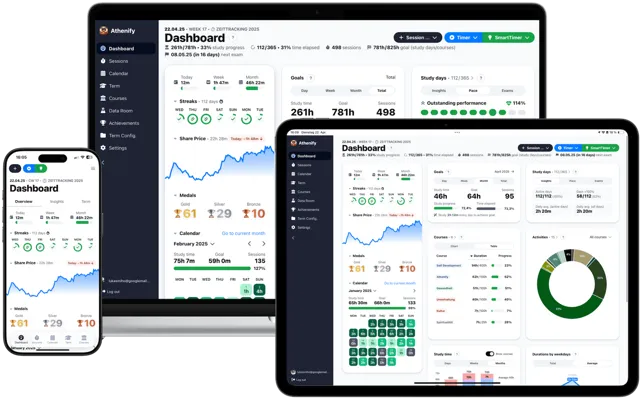
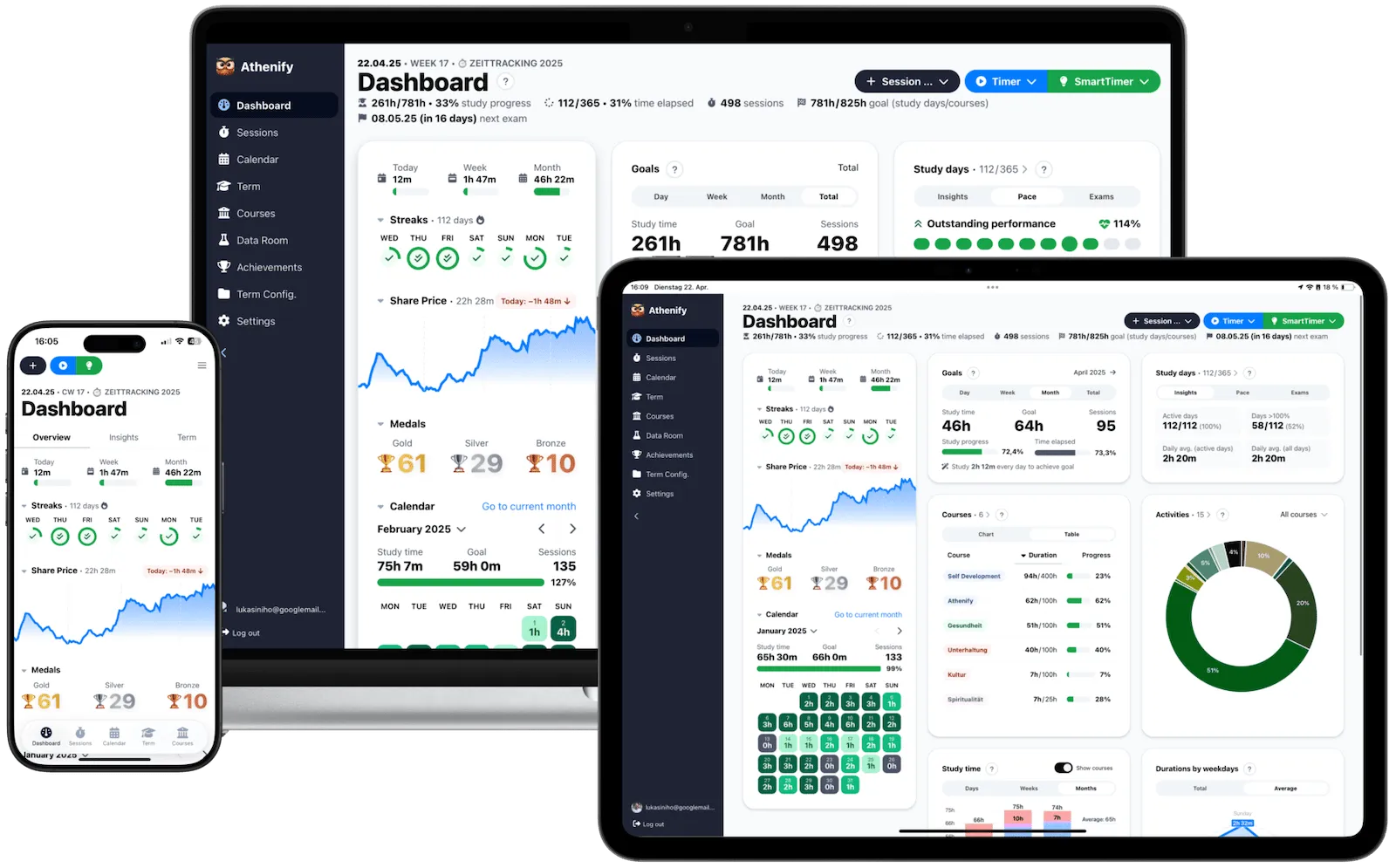
With the Share Price in Athenify, you can see at a glance whether you're reaching your study goals. The streak feature helps you work on your Second Brain daily. Even 10 minutes of "knowledge gardening" per day – linking old notes, capturing new ideas, clearing the inbox – keeps your system alive and prevents it from becoming a digital graveyard.
Try Athenify for free
Track how much time you really invest in your knowledge – your Second Brain says what, Athenify says how long.
No credit card required.
No credit card required.
Common mistakes and how to avoid them
The perfect tool choice is procrastination in productivity clothing.
The three most common mistakes to avoid:
- Perfectionism paralysis – Trying to build the perfect system before starting. Weeks pass choosing the right tool, designing templates, and studying YouTube tutorials. The solution: start with PARA in its simplest form and optimize only when you have real problems.
- Collector syndrome – Saving every interesting article, PDF, and fleeting idea. If you hoard everything, you'll find nothing. Ask yourself: "Will I realistically need this in the next six months?" When in doubt, leave it out.
- Building and abandoning – Creating the system and then never looking at it again. Many collect diligently – and then forget the notes exist.
The solution is a weekly review: go through your Projects, archive completed items, link new notes with existing ones, and clear your inbox. Tiago Forte recommends Sunday afternoon for this – so you start the new week with a clear head.
Conclusion: building your external memory
You don't need a perfect structure to start – you just need your first note.
A Second Brain isn't a luxury for productivity nerds – it's a practical necessity in a world of constant information overflow. As a student, you benefit on multiple levels: short-term, the system helps with organizing exams and papers. Medium-term, networked insights emerge that can elevate your thesis to a new level. Long-term, you build a knowledge store that accompanies you far beyond your studies.
Open your tool – or download one of the mentioned ones – create the four PARA folders, and save your next lecture note. That's your first note, the beginning of your second brain. Combine it with Athenify to know not just what you're learning but how much time you're investing. Knowledge and time investment belong together – and both deserve a system.
Your Second Brain works even better when combined with other proven study techniques. Use active recall to test your understanding of concepts you've captured, schedule deep work sessions for processing and connecting your notes, and structure your note-taking sessions using the Pomodoro Technique.